
illo $ILLO →

Give your ideas a face.

illo is an agent skill that turns your articles and abstract ideas into original editorial illustrations — starring a recurring character you own. Blot ships in the box and draws in riso; every character carries its own print look. No stock art, no prompt fiddling.

Works in Claude Code, Codex, Hermes, and OpenClaw

you type: /illo many inputs become one decision

you get:
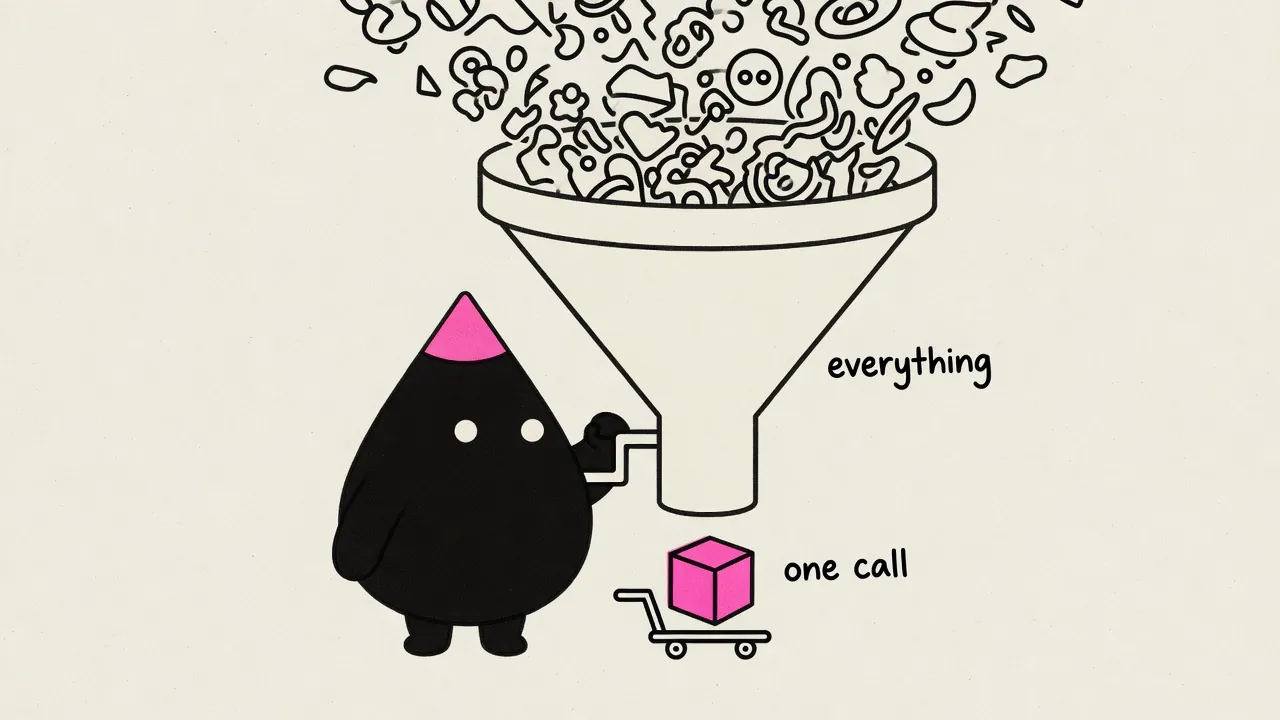
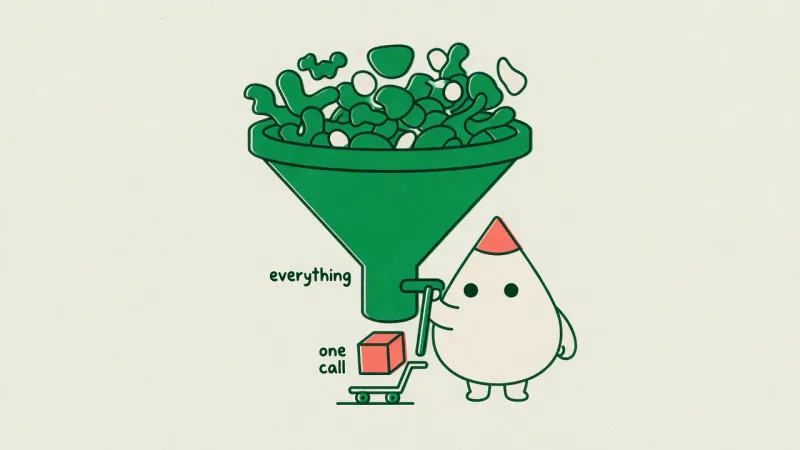
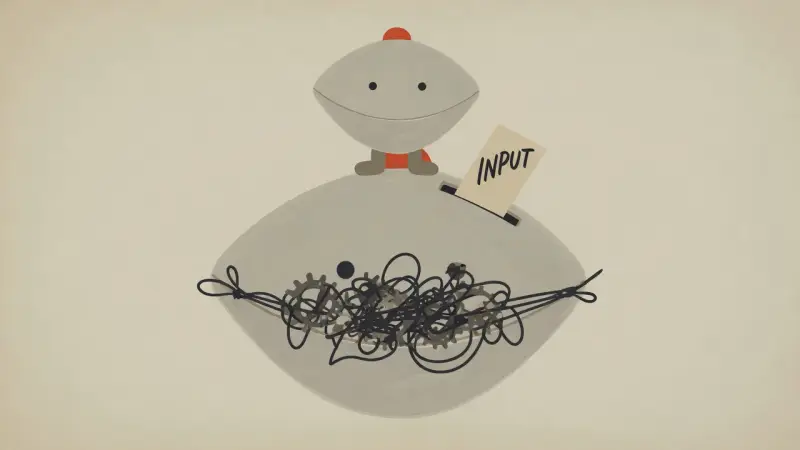
Editorial illustration: a mascot cranks a huge funnel turning many shapes into one cube

Why illo?

articles in, scenes out

It reads your writing

Hand it a post and it finds the load-bearing moments — the judgment, the trap, the before/after — and renders each one as a single scene, or a hand-built explainer diagram when the structure is the point. Not one image per paragraph. The ones that matter.

a cast you own

Characters, not clip art

Every image stars a recurring mascot kept on-model by a reference lock. Use Blot, install a community character, or build your own with the guided character builder — one pack, one look, forever yours.

yours to keep — or share

An open cast ecosystem

Characters are just folders you own. Keep yours private, install community characters by name, or — if you want — publish your own to the CI-validated packs repo. One PR, renders embedded, and the skill opens it for you.

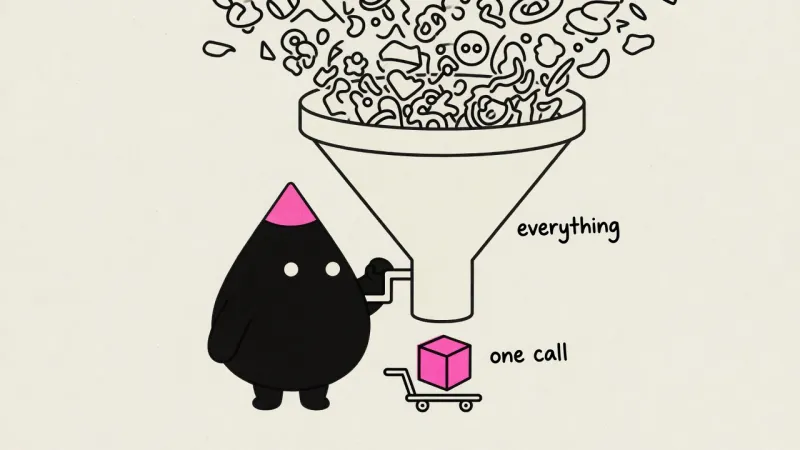
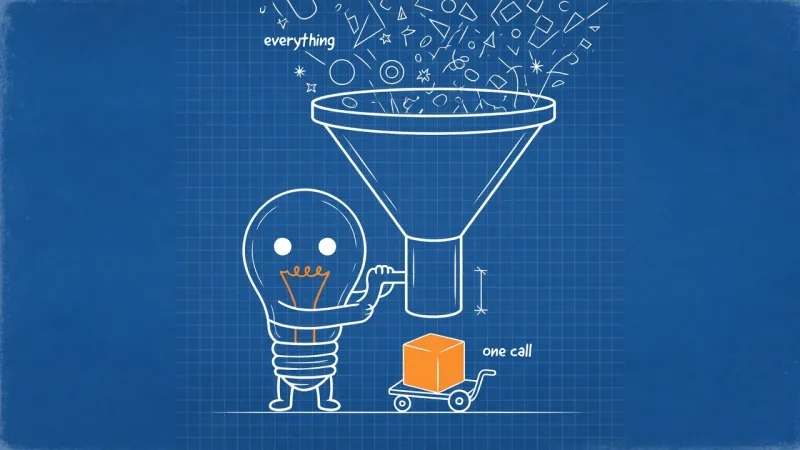
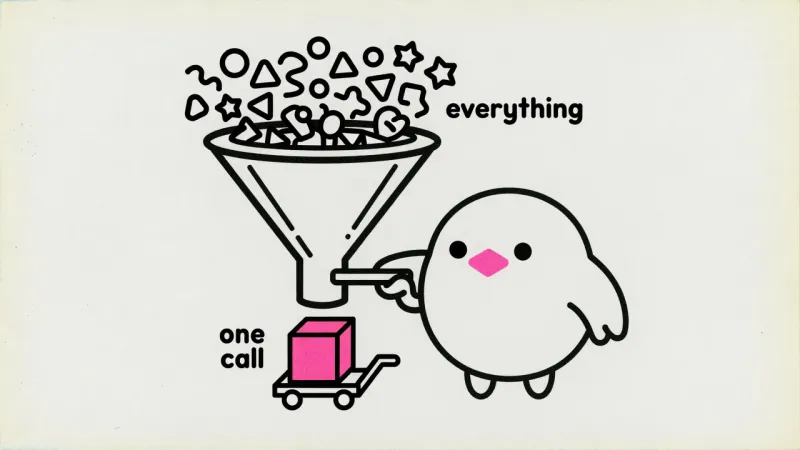
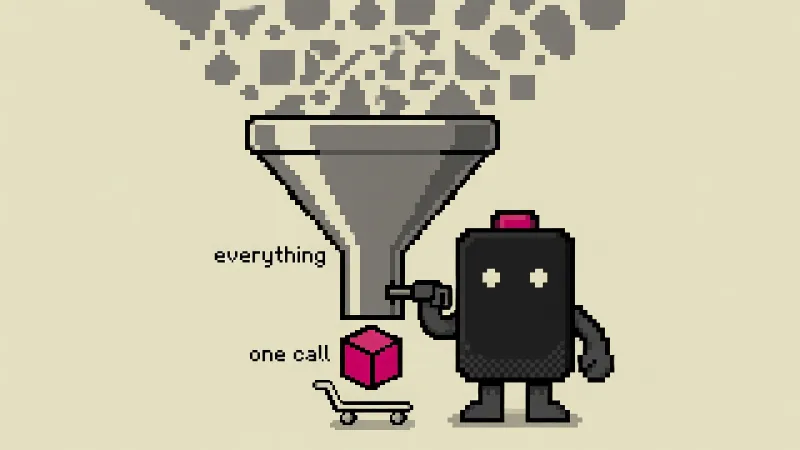
same idea, four characters

Blot rendering the funnel concept
blot
Lumen rendering the funnel concept
lumen
Pip rendering the funnel concept
pip
Volt rendering the funnel concept
volt

same character, dressed for the destination

A character defines where its accent lives — never the color. Map a destination to a palette once — one plain-text line in your palettes file, like blog → your site's own colors (read straight from your CSS) — and the same mascot ships in bold fluoro pink on X and in your blog's exact link color on your blog, automatically. Never asked twice.

Blip in the bold fluoro-pink house palette, made for an X post
for X — the bold house palette
The same character in a blog's own cream-and-orange theme colors
for the blog — its own theme colors

same idea, two registers

A scene makes the reader feel the idea; an explainer lets them trace it — stations, one flow direction, hand-lettered callouts, never a PowerPoint flowchart. Scenes stay the default. Say "show the flow" to opt in, or let the skill earn the diagram when a piece's whole point is the path.

The funnel idea as an editorial scene: Blot cranks a huge funnel turning many shapes into one cube
as a scene — feel it
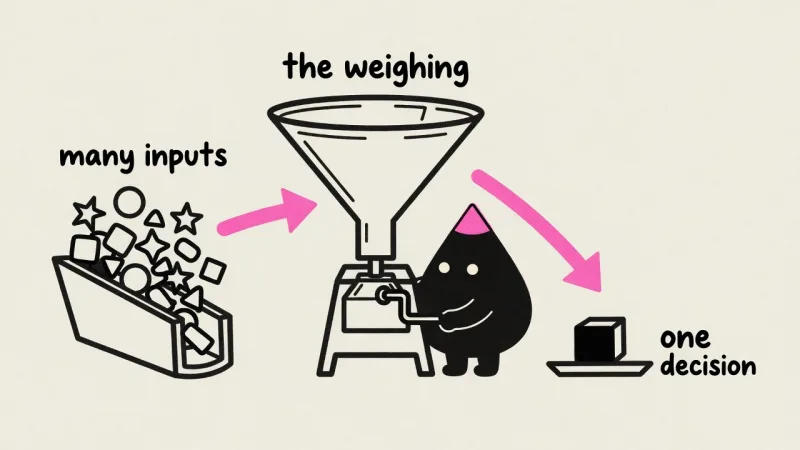
The same funnel idea as a hand-built explainer flow: many inputs, the weighing, one decision, with pink flow arrows
as an explainer — trace it

Examples

Single scenes, mini-comics, explainer diagrams, any aspect ratio — in your palette or your brand's, resolved automatically by destination.

See all examples →
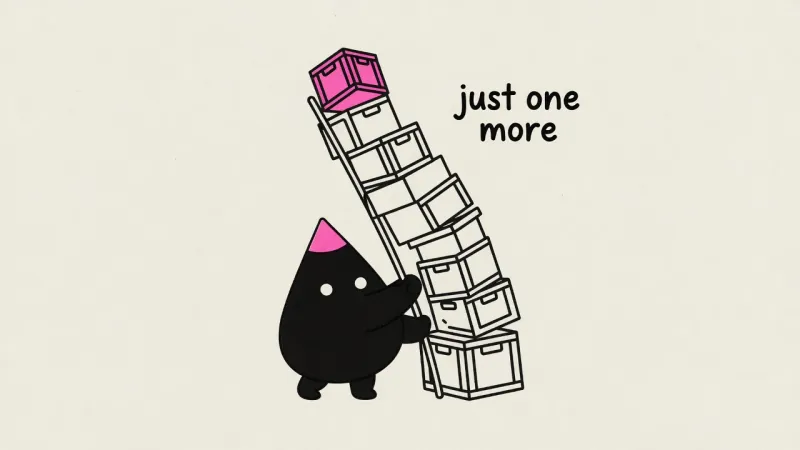
Article scene: scope creep as a leaning tower of crates
article scenes
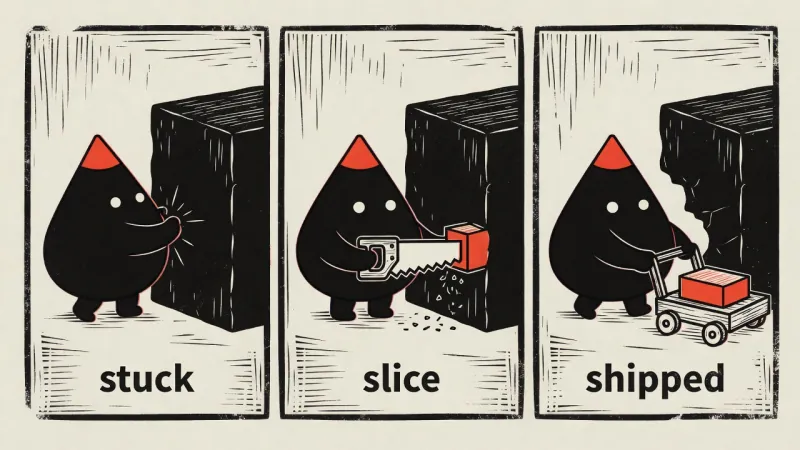
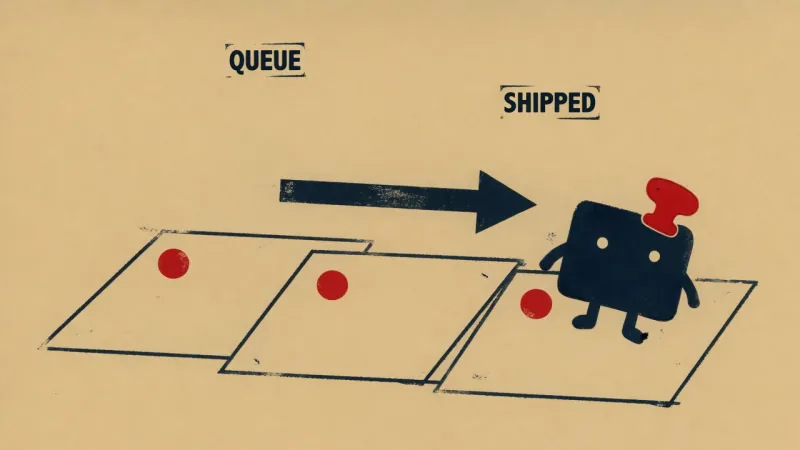
Three-panel woodcut mini-comic: stuck, slice, shipped
mini-comics
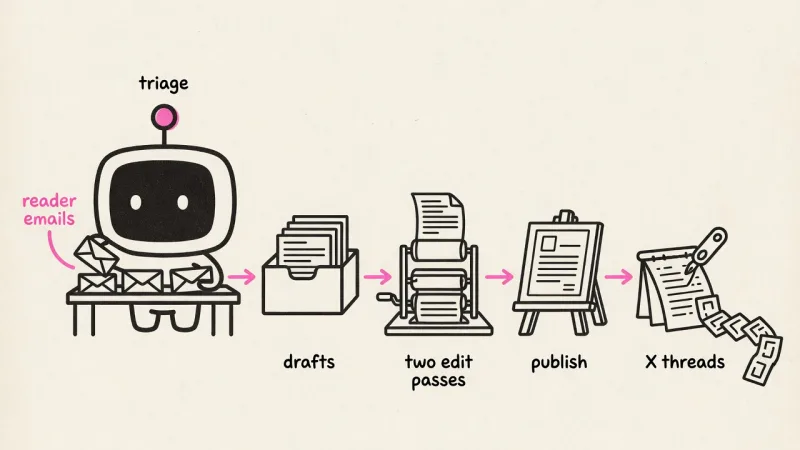
Explainer diagram: a content pipeline as five hand-drawn stations joined by pink flow arrows
explainer diagrams
The funnel scene rendered in an emerald-derived palette
“make it emerald”

Install

Two things to bring:

got the Codex CLI signed in? the second one's on the house

A coding agent with a reasoning model

Claude Code, Codex, Hermes, or OpenClaw — running a capable model like Opus or GPT-5.5. After each image renders, the skill shows it back to your model to check it against the idea and re-roll if it's off — so the model has to both reason and see.

An image backend — your call

Whatever agent you run illo in, the image generation goes through one of two backends under the hood. Codex — got the Codex CLI signed in (it comes with a ChatGPT/Codex plan)? Free: illo drives it to render gpt-image-2, no key, drawing on your Codex usage. OpenRouter — a key for model choice (Grok Imagine, Nano Banana, GPT Image, any by name), about a nickel an image.

# any agent — Claude Code, Cursor, Codex, Copilot, Gemini & friends

npx skills add tmchow/illo-skill --skill illo

then try:

# a bare idea
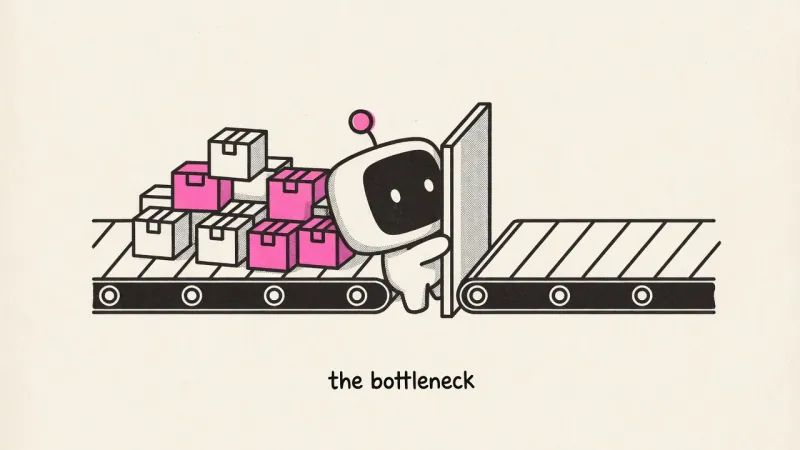
/illo you are the bottleneck

# a whole post — hero plus inline art
/illo https://yourblog.com/shipping-discipline hero + 3 images

# add a character pack first
/illo install mole character pack

# then pick a shape and that character
/illo "Just taught my kids about taxes by eating 38% of their ice cream" square image using mole character

The cast

Character packs from illo-characters. Install any of them by name — /illo install the anvil character — or keep several and switch per run.

Browse the repo →
Blot in action

blot

a deadpan ink drop · ships with the skill

Blip in action

blip

a screen-faced robot · the original

Pip in action

pip

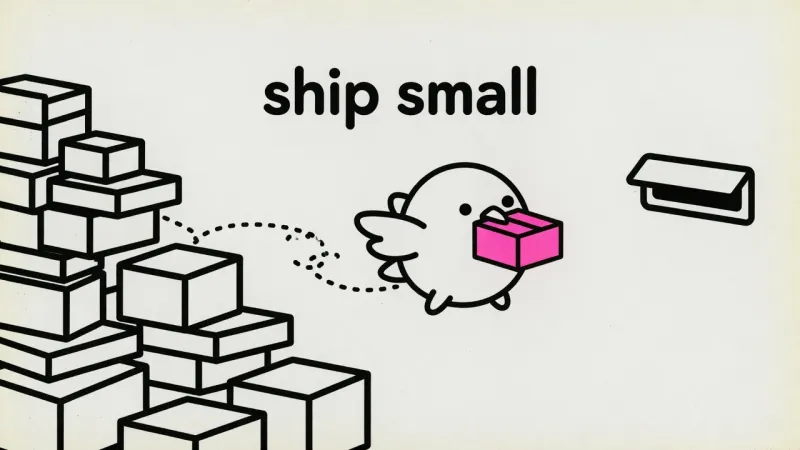
a small round bird · ships small, often

Cone in action

cone

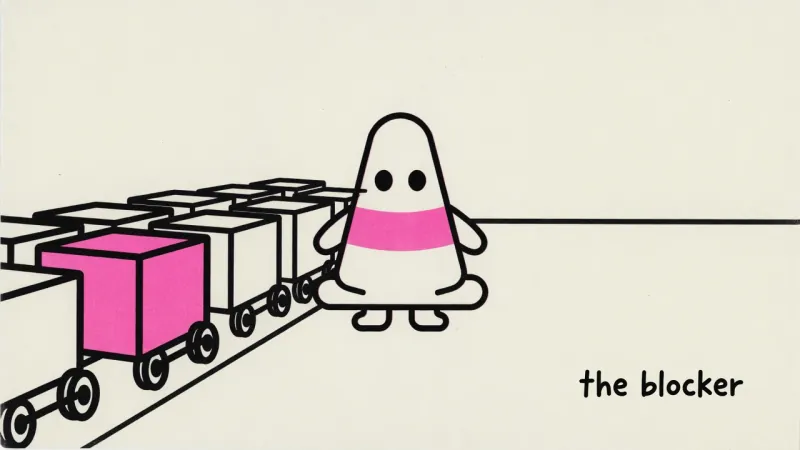
a traffic cone · blockers & WIP

Sprout in action

sprout

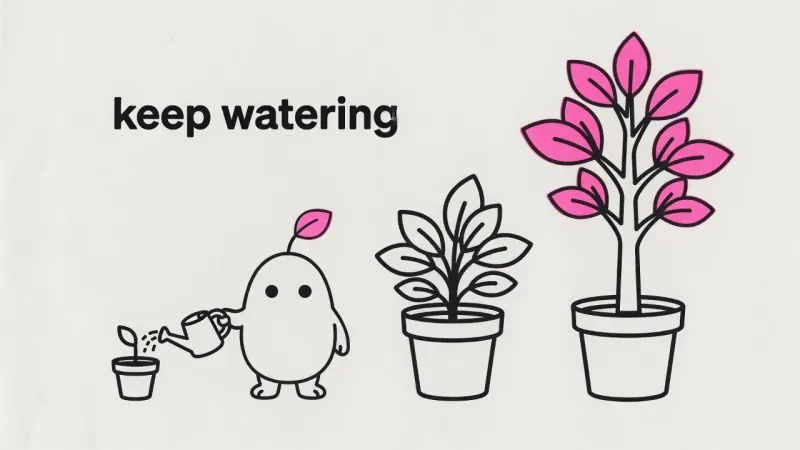
a just-sprouted seed · growth & compounding

Bray in action

bray

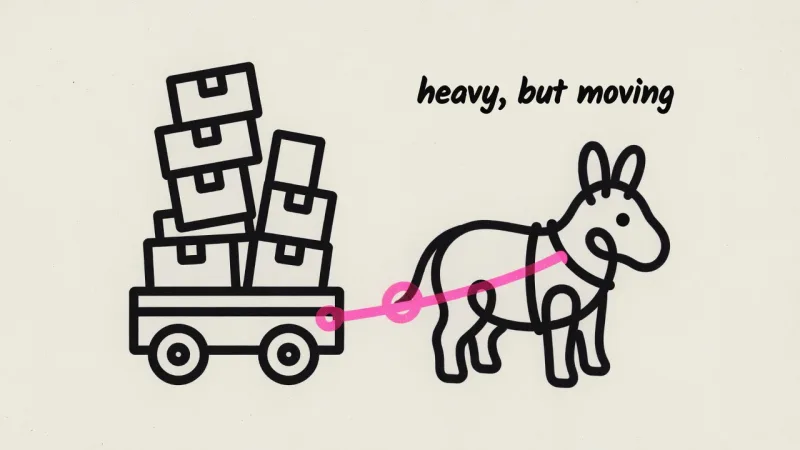
a bent-wire donkey · batch jobs & steady throughput

Lumen in action

lumen

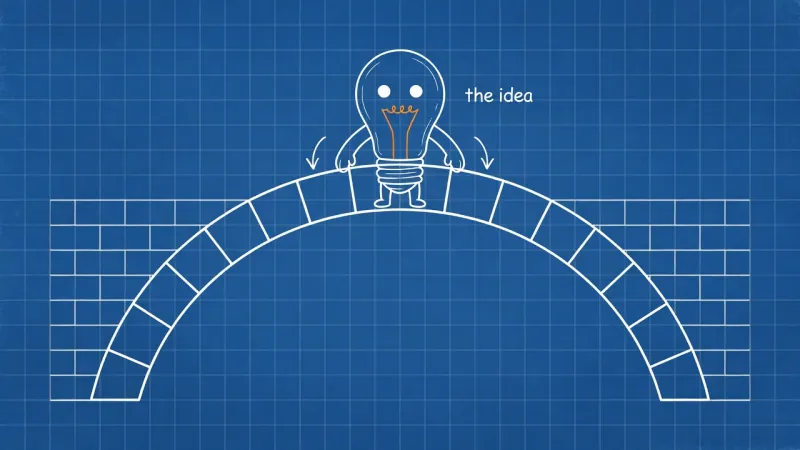
a light bulb · ideas & plans

Anvil in action

anvil

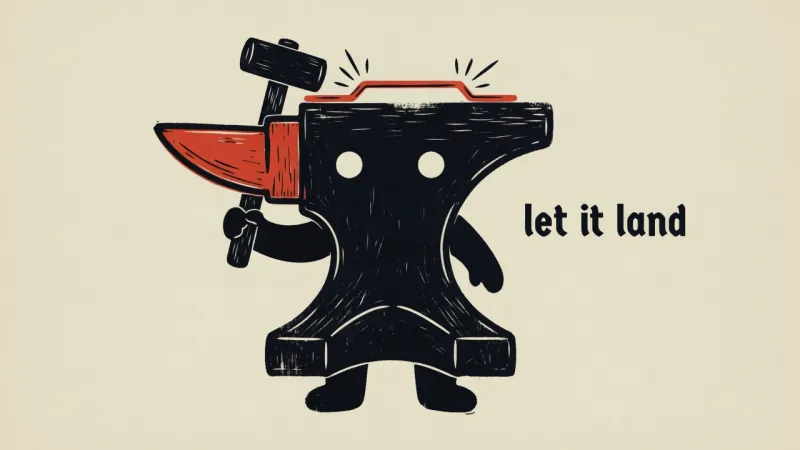
an anvil · hard feedback

Volt in action

volt

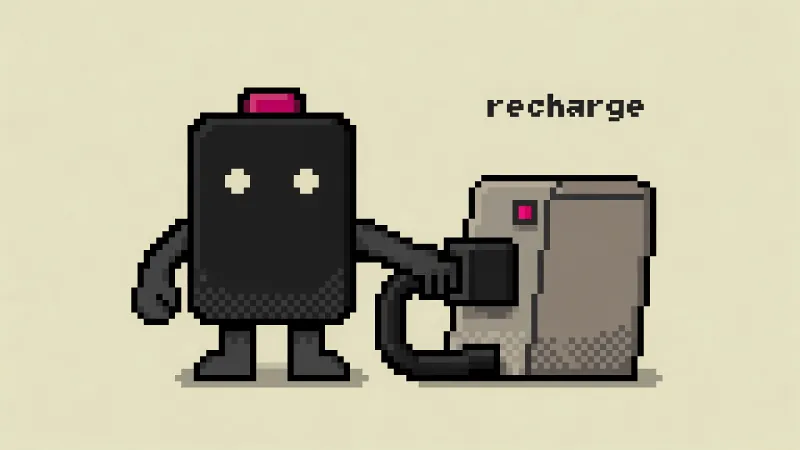
a battery · energy & recharge

Mole in action

mole

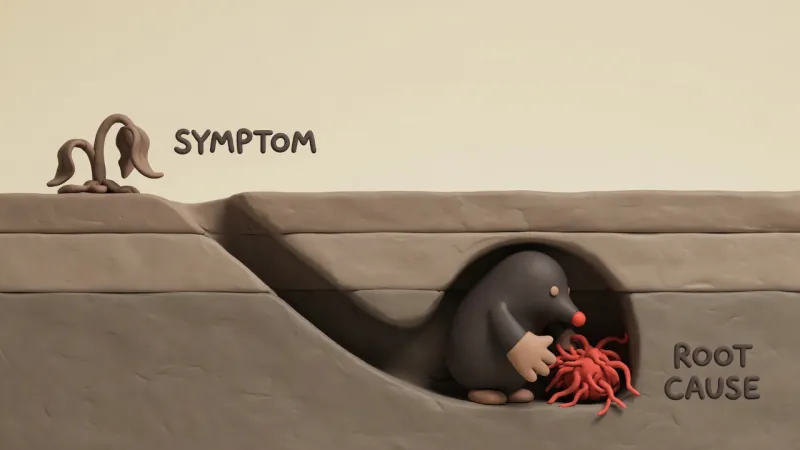
a plump mole · debugging & root-cause digs

Stamp in action

stamp

a rubber stamp · approvals & sign-off

Lapse in action

lapse

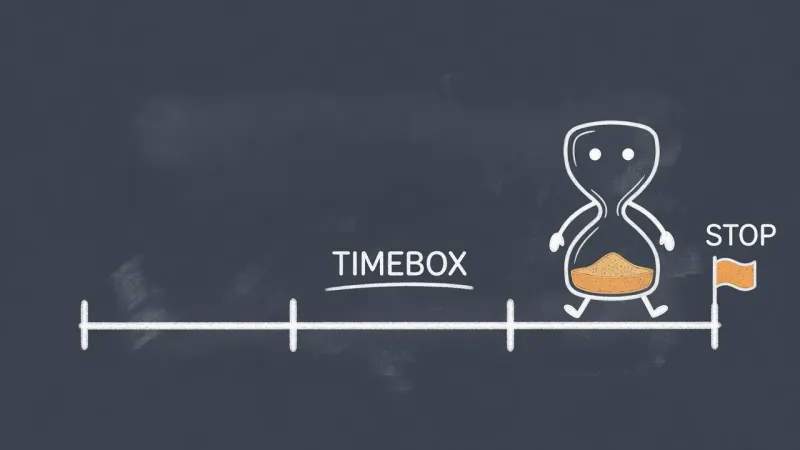
an hourglass · deadlines & timeboxes

Scope in action

scope

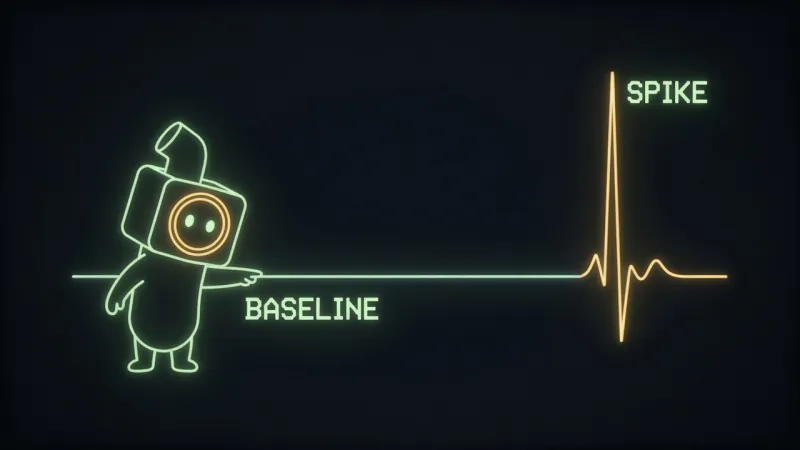
a stout periscope · observability & monitoring

Boss in action

boss

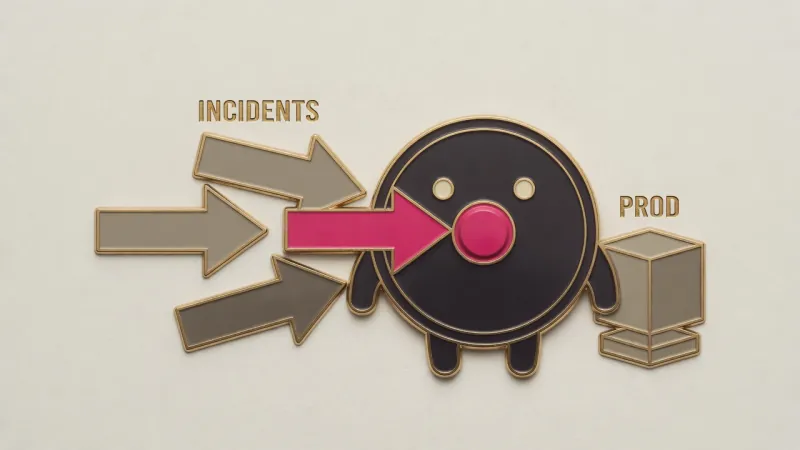
a round shield · security & guarding prod

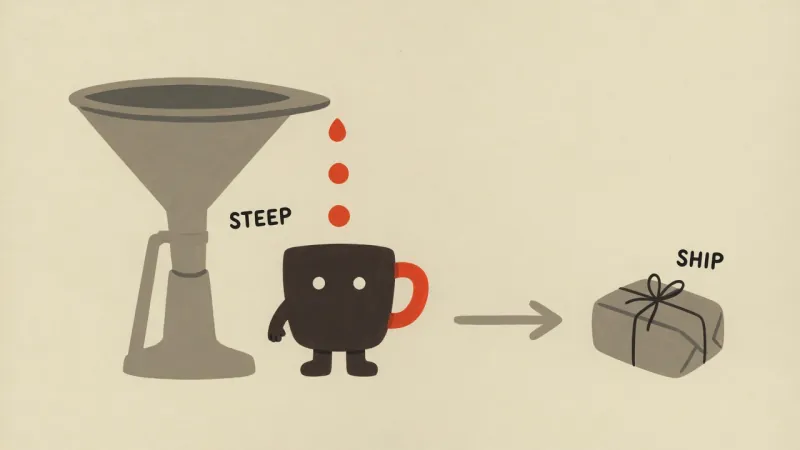
Brew in action

brew

a coffee mug · deep work & builds brewing

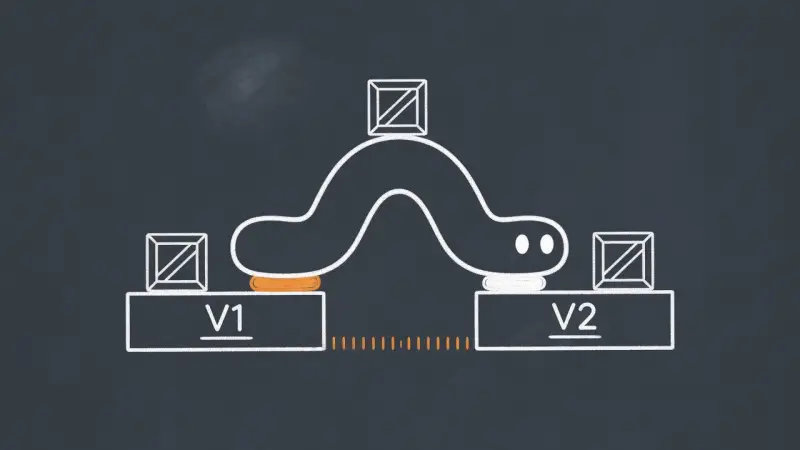
Inch in action

inch

an inchworm · incremental progress & migrations

Grit in action

grit

a tardigrade · resilience & fault tolerance

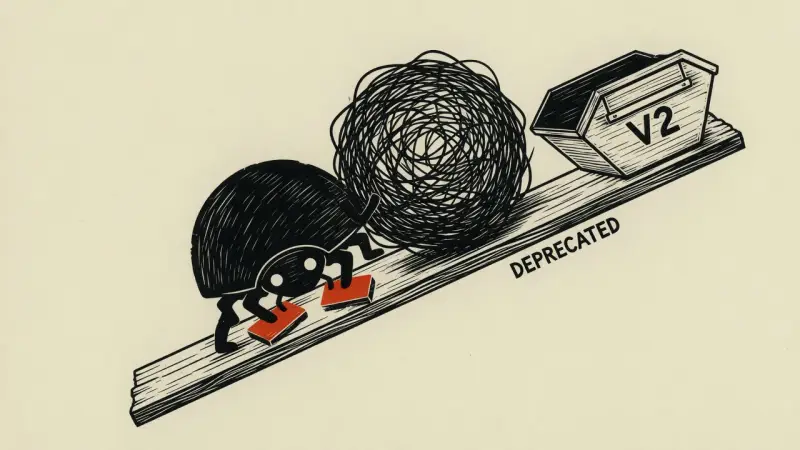
Heft in action

heft

a ball-rolling beetle · tech debt & the big refactor

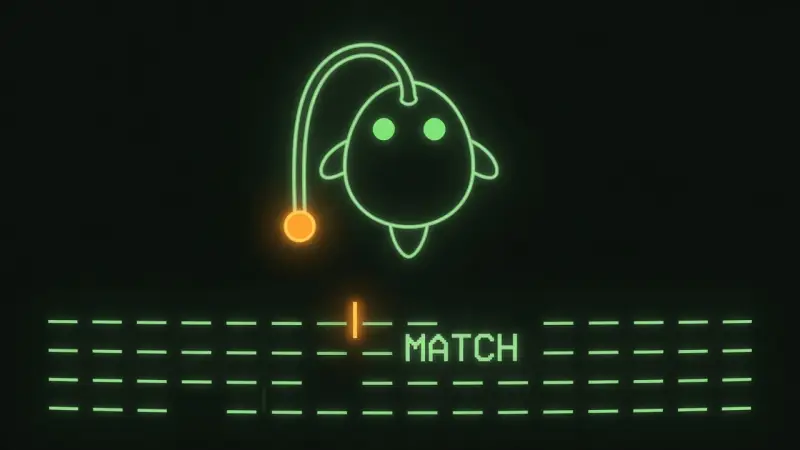
Lure in action

lure

an anglerfish · search & retrieval

Squall in action

squall

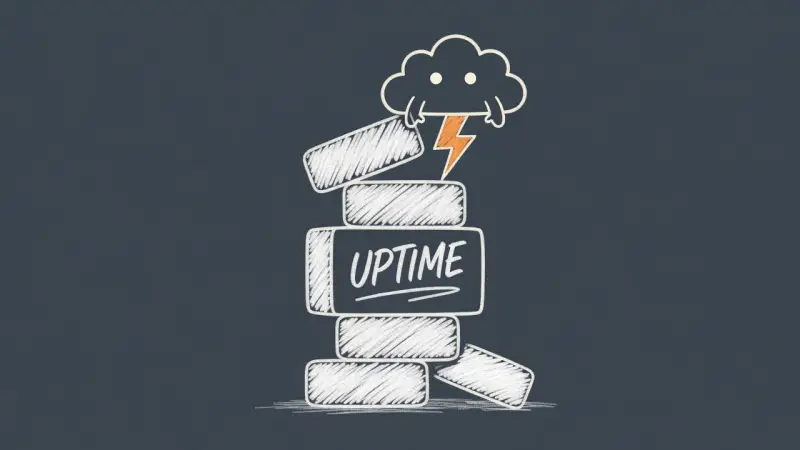
a small storm cloud · incidents & outages

Berg in action

berg

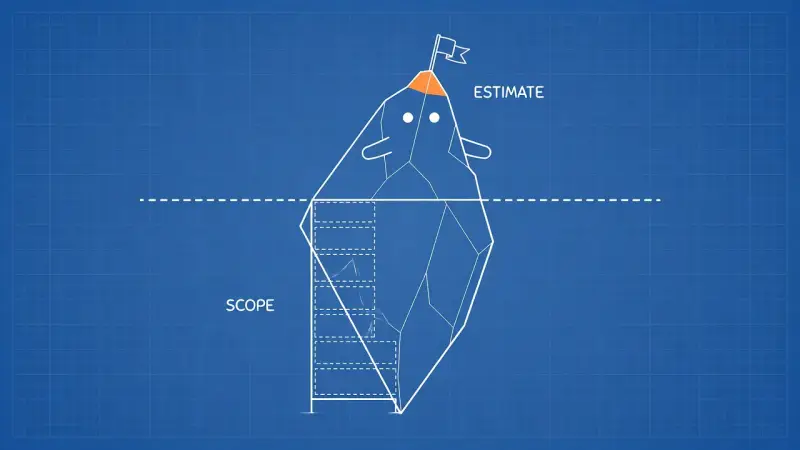
an iceberg · estimates & hidden complexity

Clam in action

clam

a closed clam · encapsulation & clean APIs

Yoke in action

yoke

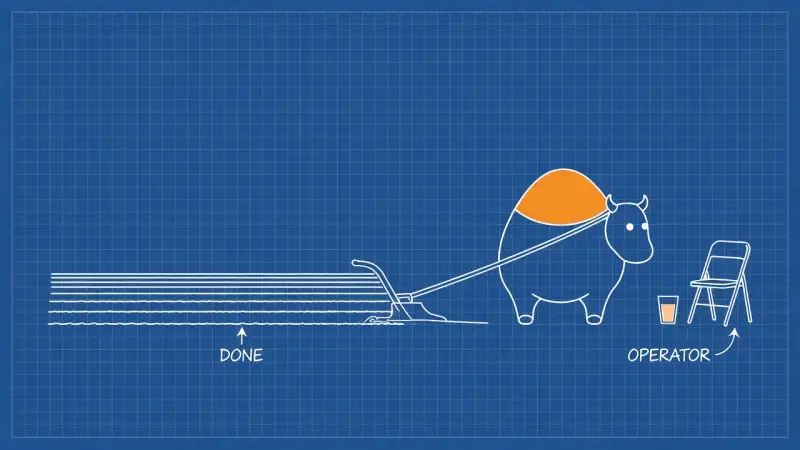
a placid ox · automation & delegation

Tug in action

tug

a horseshoe magnet · dependencies & lockfiles

Patch in action

patch

a roll of tape · hotfixes & workarounds

Scrub in action

scrub

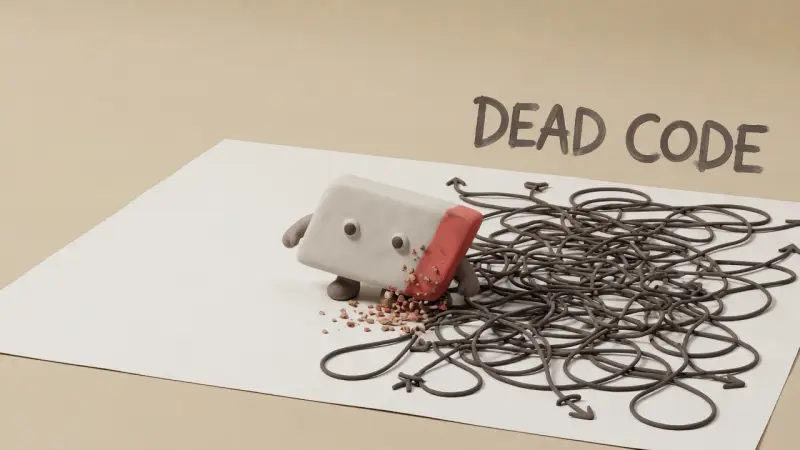
an eraser wedge · deleting dead code

Sift in action

sift

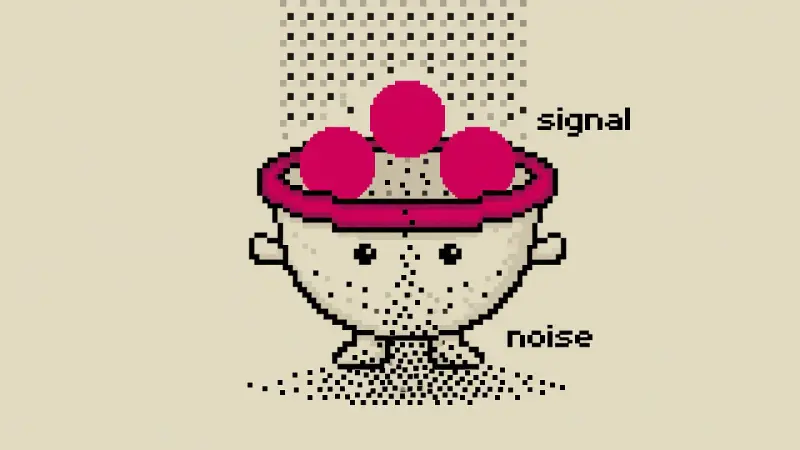
a footed colander · triage, signal vs noise

Nona in action

nona

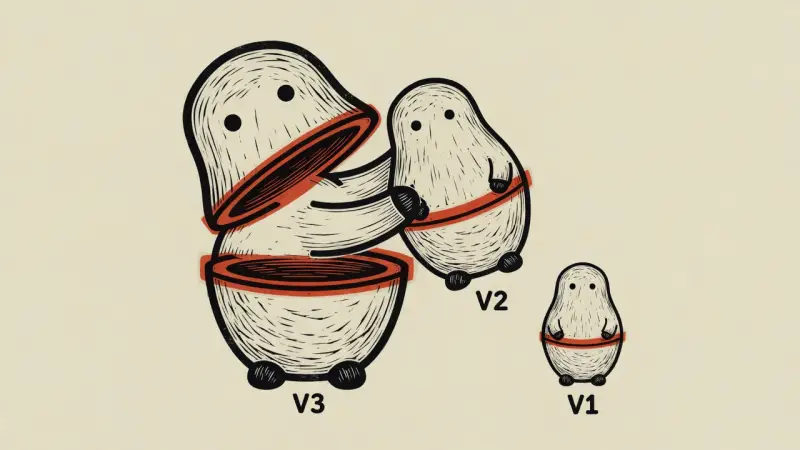
a nesting doll · releases & versioning

Stoke in action

stoke

a vacuum tube · caching & warm starts

Clack in action

clack

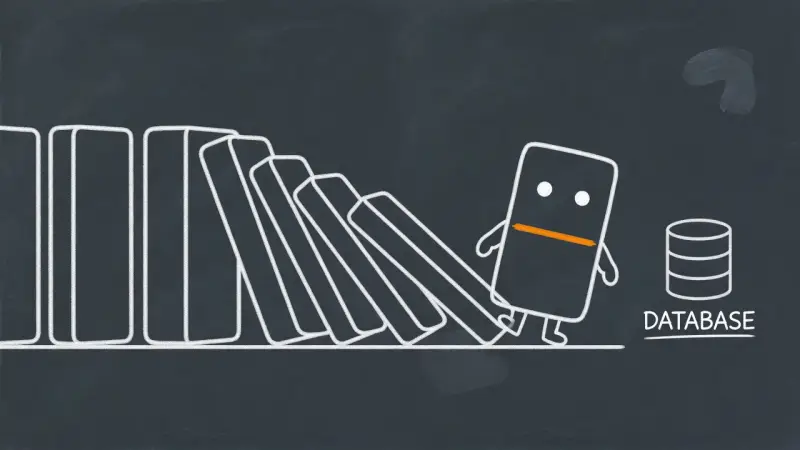
a blank domino · cascading failures

Dice in action

dice

a one-pip die · flaky tests & chance

your character here

Build one with the skill — keep it to yourself, or publish it for everyone.

How →

Build your own character

Your characters are yours — built and used locally. Publishing to the community is a bonus step, not a requirement.

1

Build it with the skill

Say /illo make me a mascot. The character builder interviews you, pressure-tests the design, picks a look with you (riso, blueprint, woodcut, pixel — or your own), and renders model-sheet candidates to choose from.

2

Use it everywhere, instantly

It installs as a local pack — a plain folder on your machine — and every render stars it from then on. Private by default; nothing leaves your computer unless you say so.

3

Share it (if you want)

Say /illo publish my character and the skill opens a PR on the community repo with your sheets embedded for one-glance review. Contribution guide →

Questions

What does it cost?

The skill itself is free and open source — and whatever agent you run it in, the image generation goes through one of two backends. With a Codex or ChatGPT plan it's free: illo drives your signed-in Codex CLI to render gpt-image-2, no per-image charge — it just draws on your Codex usage. Want a choice of models instead? Run it through your own OpenRouter account — pay-per-image, around a nickel each (6–25¢ by model), a full blog post under $0.50.

Do I need a config file?

Barely. With the Codex CLI signed in, nothing — illo detects it and asks which backend you want the first time. For OpenRouter, run illo.py init once to store your key in ~/.config/illo/config.yaml (mode 600); illo never reads it from the environment. The same config also holds optional defaults you'd rather not repeat: backend, model, default character, a watermark with your handle.

Which image models does it use?

On the Codex backend it's automatic — Codex's built-in gpt-image-2, no model to pick. On OpenRouter you choose: Grok Imagine by default (in testing, the boldest print texture and strongest character lock at the lowest cost), with Nano Banana 2/Pro, GPT Image, or any image-output model on OpenRouter by name.
Do I have to publish my character?

No. Characters you build are local folders on your machine — private by default. Publishing to the community repo is optional, and you keep authorship and credit when you do.

Which agents does it work in?

Anything that speaks the Agent Skills format (SKILL.md): Claude Code, Hermes, OpenClaw, and friends. The engine is a single stdlib Python script — no installs beyond python3.